The browser where Claude Code and Codex work beside you.
Runs on the Claude Code or Codex plan you already have.

It starts on any page
An idea used to mean switching apps. Now you say it where you found it.
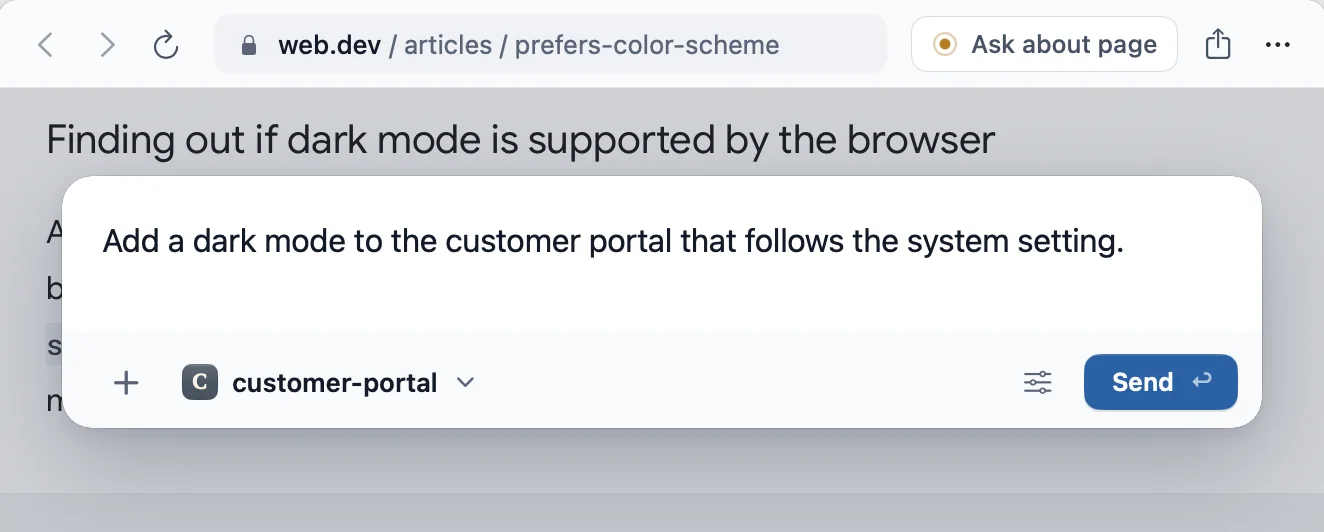
And it knows where the work goes
Your browser knows your projects. Each request lands in the right one.
And when it isn’t code
Need a flight? Ask the same way. Your agent goes looking, in a tab behind yours.
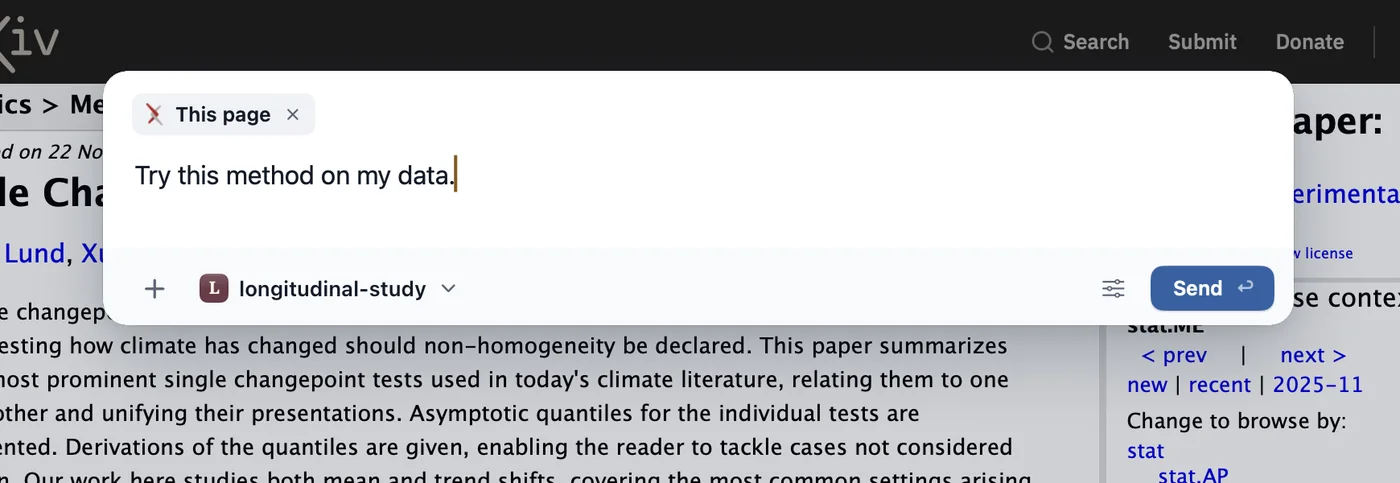
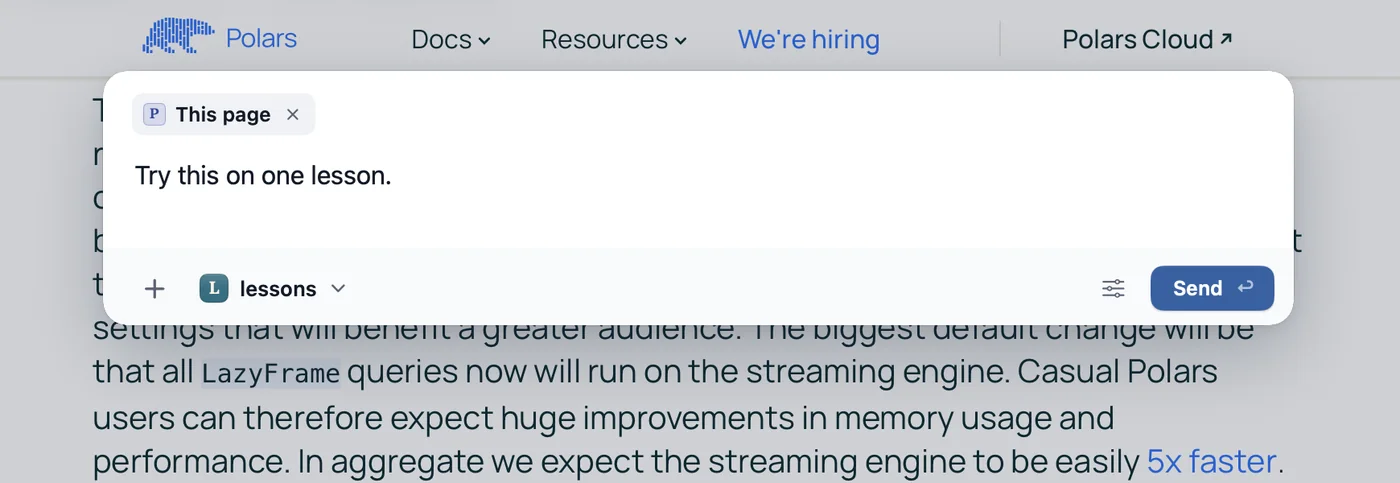
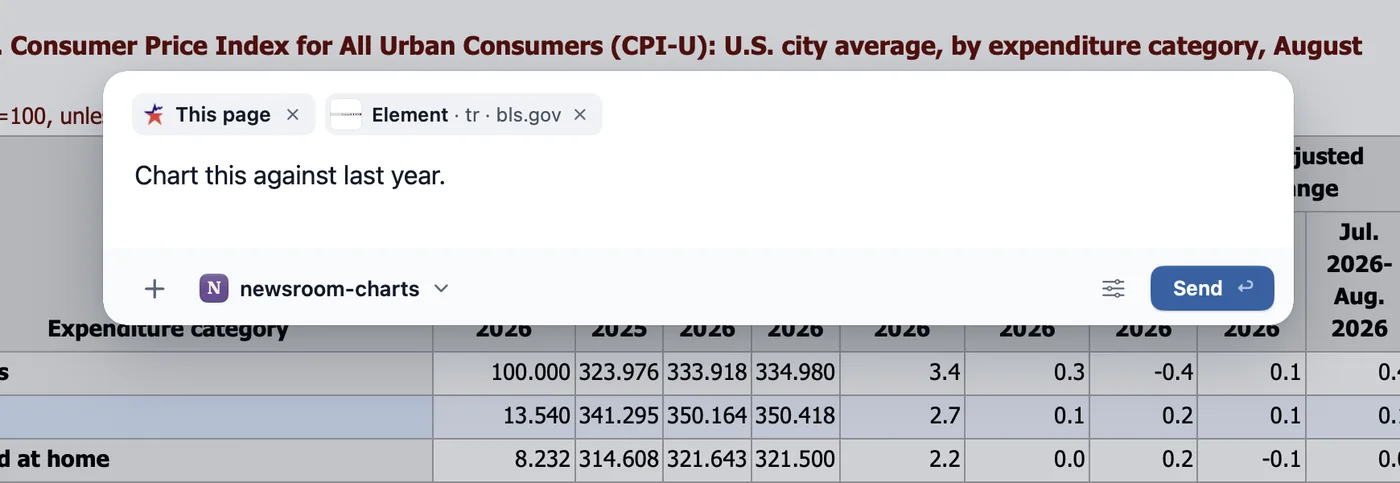
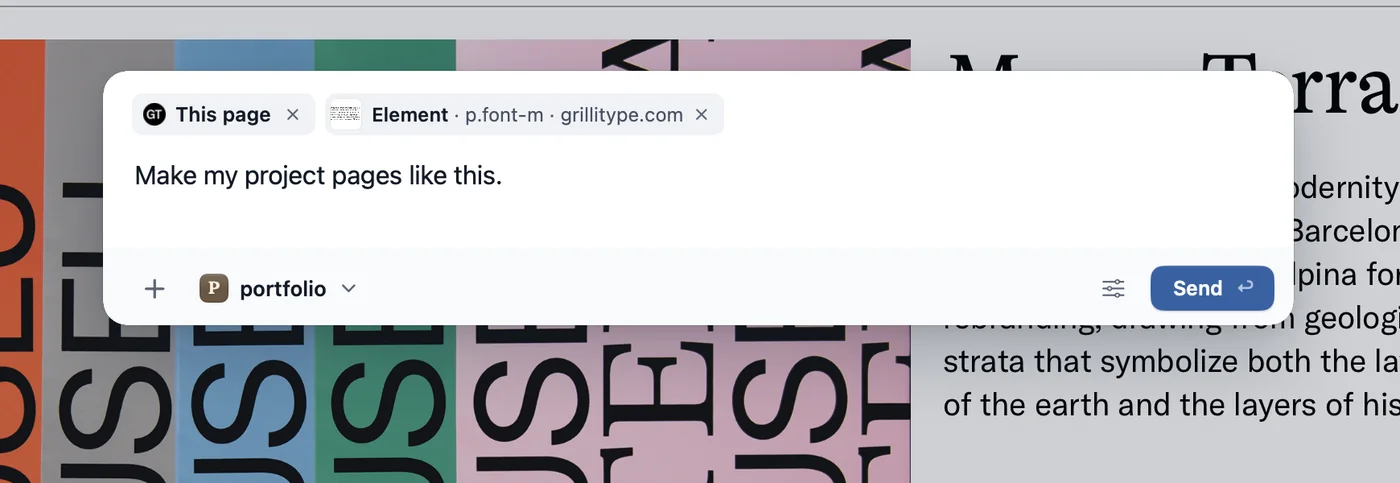
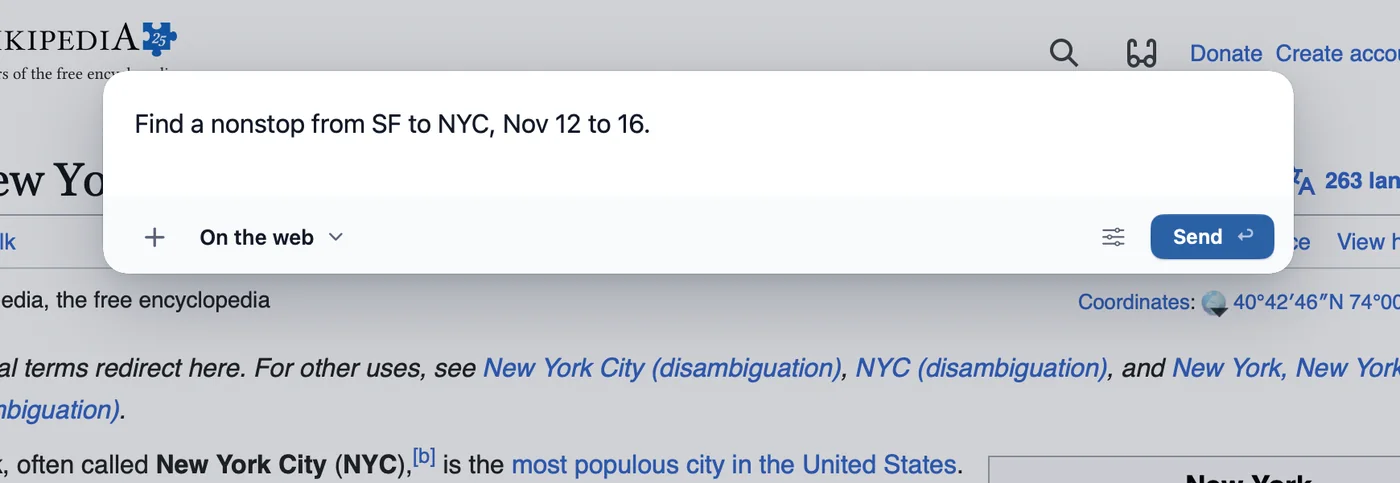
It finds your projects in your Claude Code and Codex history. There is nothing to set up.
No need to wait
Five agents are at work. You’re reading about a prairie.
They are in the corner of this page too. Keep scrolling.
A demonstration with sample projects.
While you read on
You never go and check. They ask, and tell you when they are done.
Say “book it,” and it does, up to the payment.
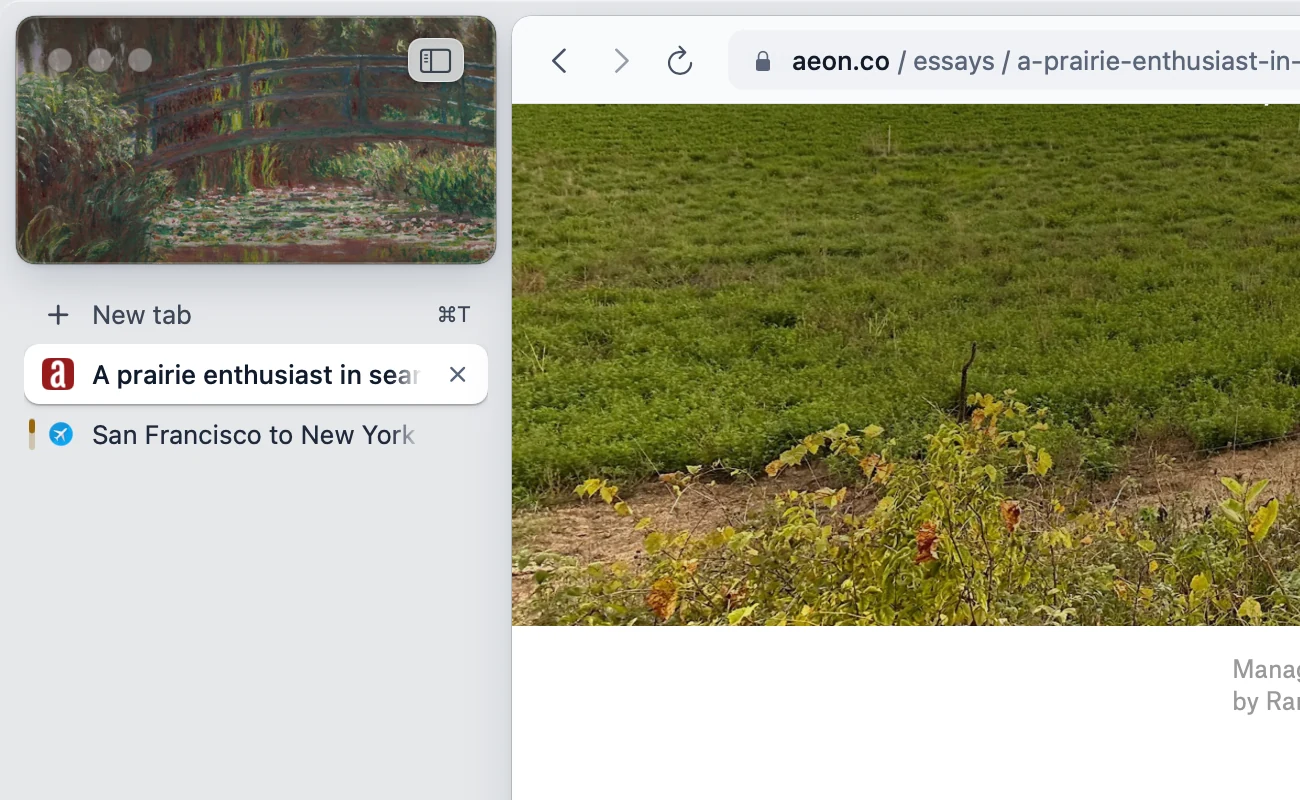
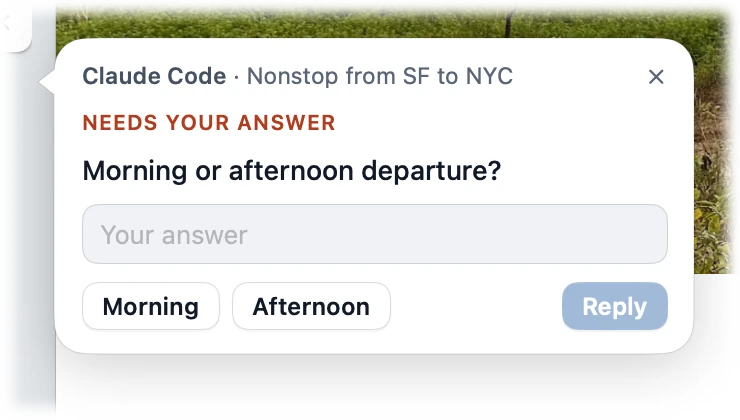
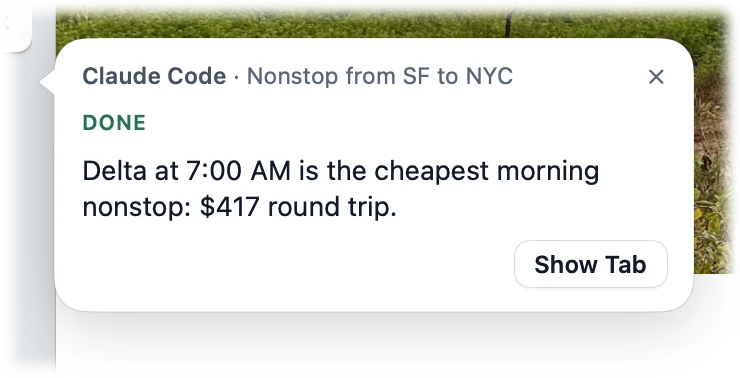
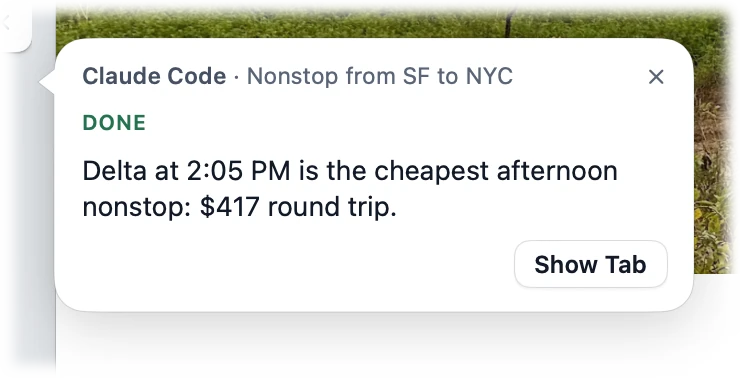
Answer it, or keep scrolling. Answered. It carries on in the same tab.
While they work
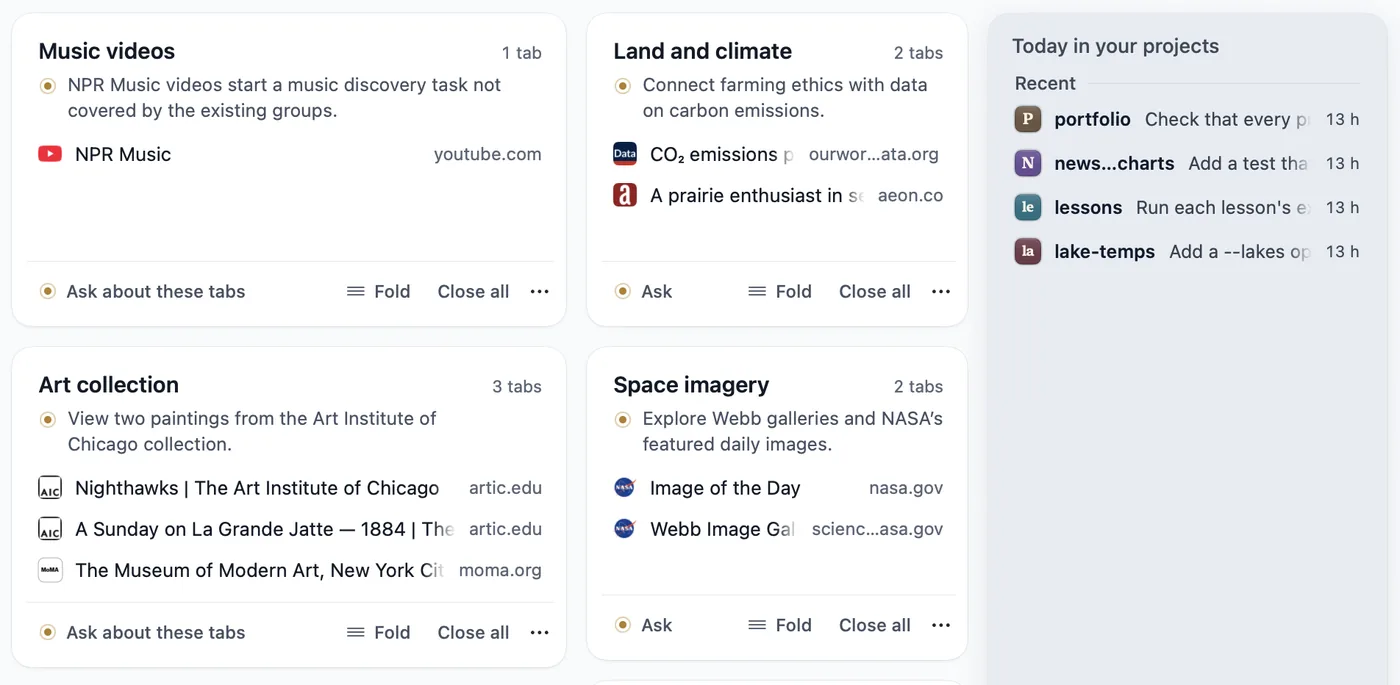
Open as many tabs as you like. They are already grouped by what you were doing.
Your tab bar stays as you left it.
While you browsed this page, the chart got made.
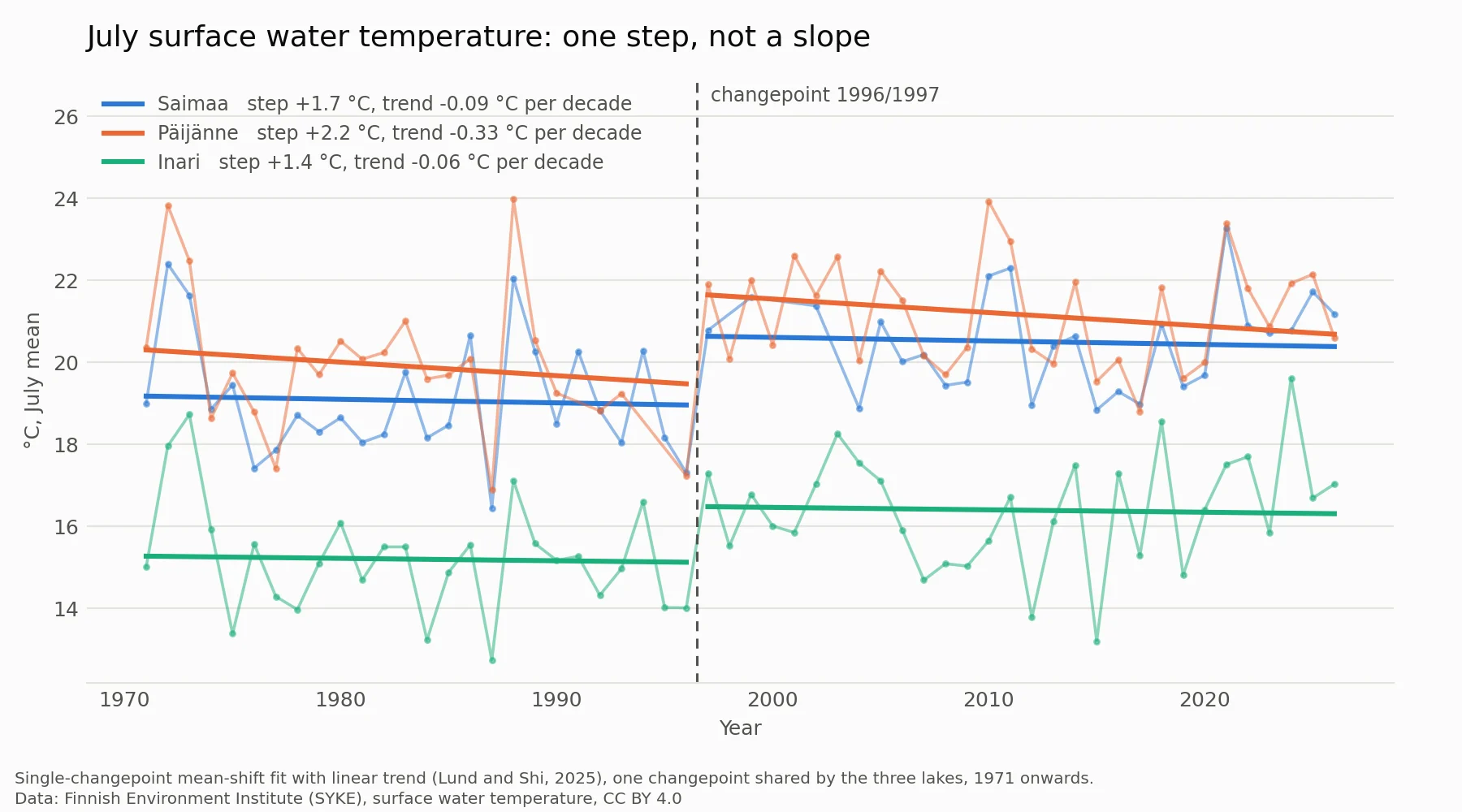
A demonstration with a sample project. In Rill it is your own Claude Code or Codex, in your own projects.
At the end of the day
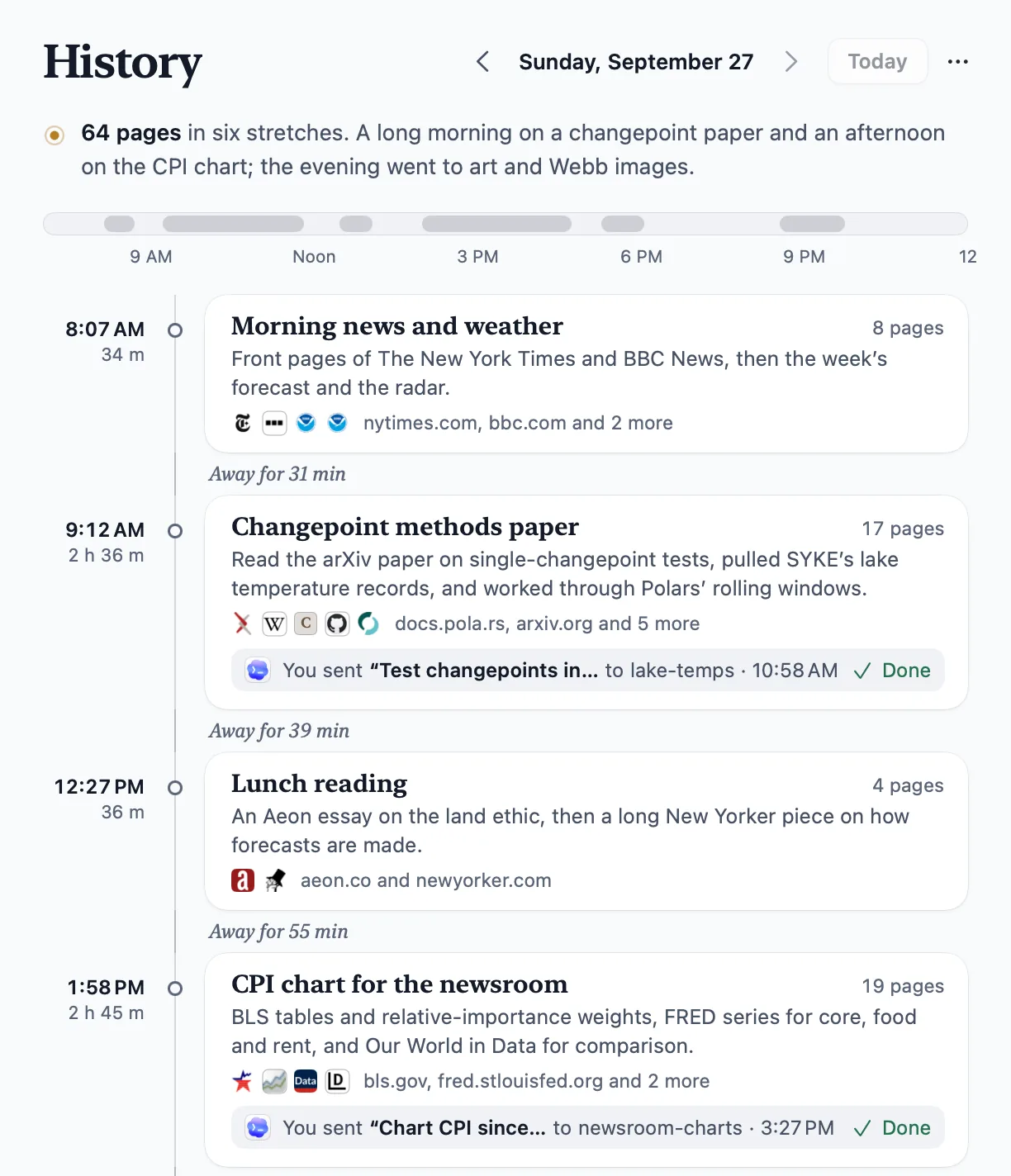
Your history reads like a journal: where you went, what you asked for, what got done.
Half remember a page? Describe it, and it is found.
After a few weeks
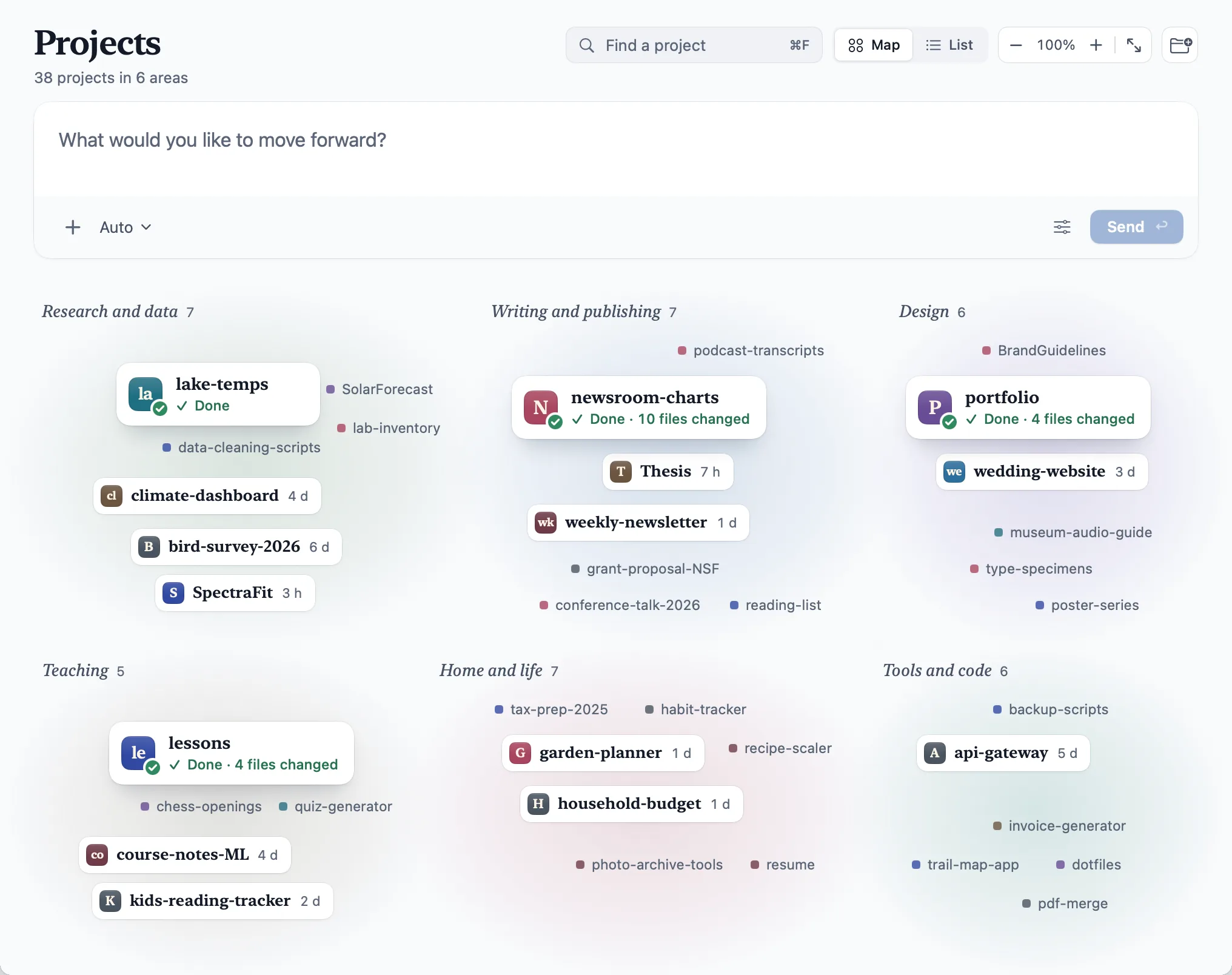
Every project your agents have touched, on one map.
Finished work is marked Done, wherever it happened.
Beta
Thought of something? Hold Fn and say it. Your coding agent gets to work.
Talking is in beta. Set it up once in Settings › Talking.
Free.
- Runs on the Claude Code or Codex plan you already have.
- No new subscription.
- No API keys.
Get started
Three steps.
Download Rill
Drag it to Applications.
Sign in to Claude Code or Codex
Rill walks you through it. Use either, or both.
Press ⌘E on any page
Rill finds your projects for you.
Rill works as a browser without an agent, too.
Ask about a page
The answer opens beside the page, from the agent you already use.
Compare tabs
Pick up to six. Get a table that quotes each page.
Agents in a project read the web
In tabs of their own, without your logins. Take one over when you want.
And the basics
Passwords in your Keychain, private windows, your sign-ins brought over from Chrome, Arc or Safari.
Privacy
Your history and passwords live on your Mac.
Your agents, your sign-in
AI features run the Claude Code or Codex on your Mac, under your own account.
History on your Mac
Kept as files on your Mac, for as long as you choose.
Passwords in the Keychain
Saved in your Mac’s Keychain, unlocked with Touch ID.
You choose what runs
Tab sorting and day summaries can be turned off in Settings.
Questions
What does it cost?
Rill is free. AI features run on your Claude Code or Codex plan.
Do I need Claude Code or Codex?
For the AI features, yes. Browsing works without them.
Will an agent change my code without asking?
New tasks are read-only until you allow edits, and in git repositories each edit can be undone.
Can an agent buy something by itself?
A task on the web is told to stop before the step that pays, places an order, sends, posts or deletes, unless you plainly told it to go through with it. It cannot type into password, card or one-time-code fields.
What about prompt injection?
Agents read pages as untrusted text. In a project, an agent browses in tabs of its own, without your logins, and clicks or types only when you allow it. A task on the web works with your sign-ins, within the limits above. That lowers the risk; it doesn’t remove it.
How do I get updates?
Rill lets you know when a new version is out.
Which Macs does it run on?
Macs with Apple silicon, on macOS 14 or later.
Your browsing. Your agents. One window.
Turns out the best interface for agents is just the browser.
Download for Mac